LEADS Participant Info
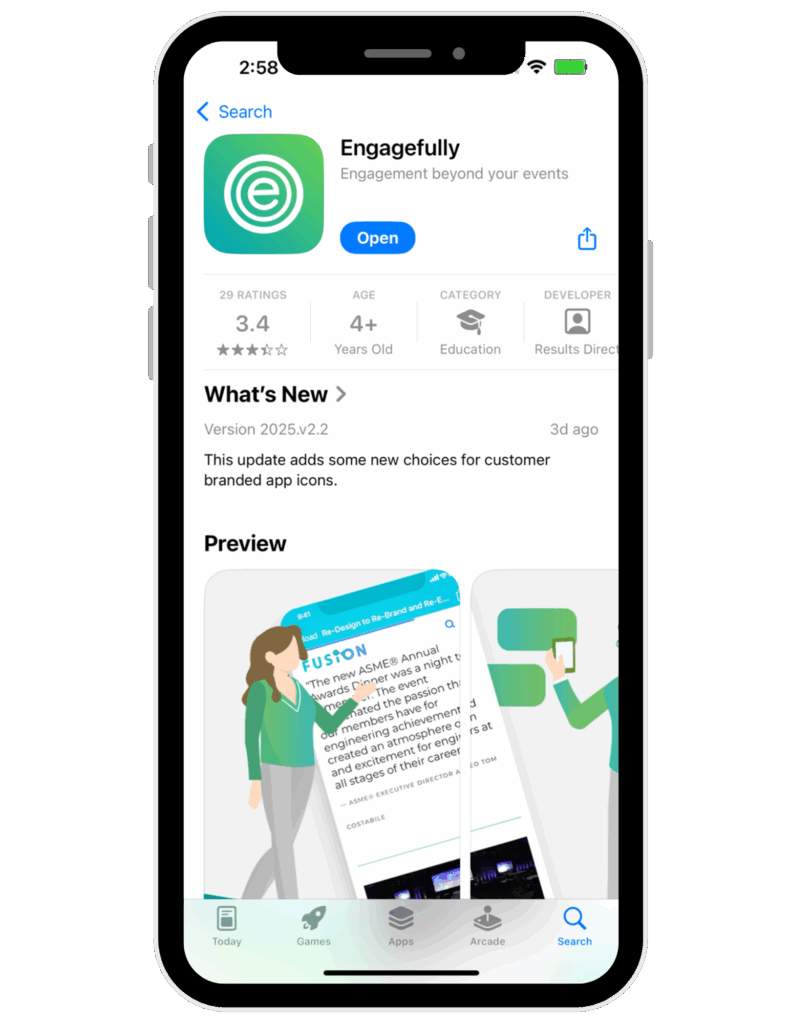
Download the App
Use the download buttons below or search for ‘Engagefully’ in the App Store or Google Play.


How to Log into the App
Once you’ve downloaded the app, it’s time to login and begin planning your event experience.
Be sure to use the email address you used when registering for the LEADS trip.
Once you log in, search for Savannah Area Chamber when prompted.
Navigating the App
We encourage you to explore the desktop, mobile app, or both to view the session schedule and update your profile.
To navigate through the mobile app for Apple users, use the bar on the bottom of the screen. For Android users, the menu is located in the top left corner.
All materials for the trip will be sent via the Savannah Chamber App, and there will be no printed materials.
Completing your Profile
Upload your photo to your profile for other attendees to easily find you within the app.
Update other contact information to build connections and allow attendees the option to contact you directly.
Exploring the Platform
Bios and photos are included along with a little more info about each of our speakers.
See who’s attending by visiting the Directory. Click on Directory from the desktop or mobile app and select a person to view their information.
You can direct message other attendees directly from the desktop or mobile app. Tap on the Directory and select the person you want to message.
Take advantage of the opportunity to connect and engage!
Changing from Previous Events (For Charleston LEADS Attendees)
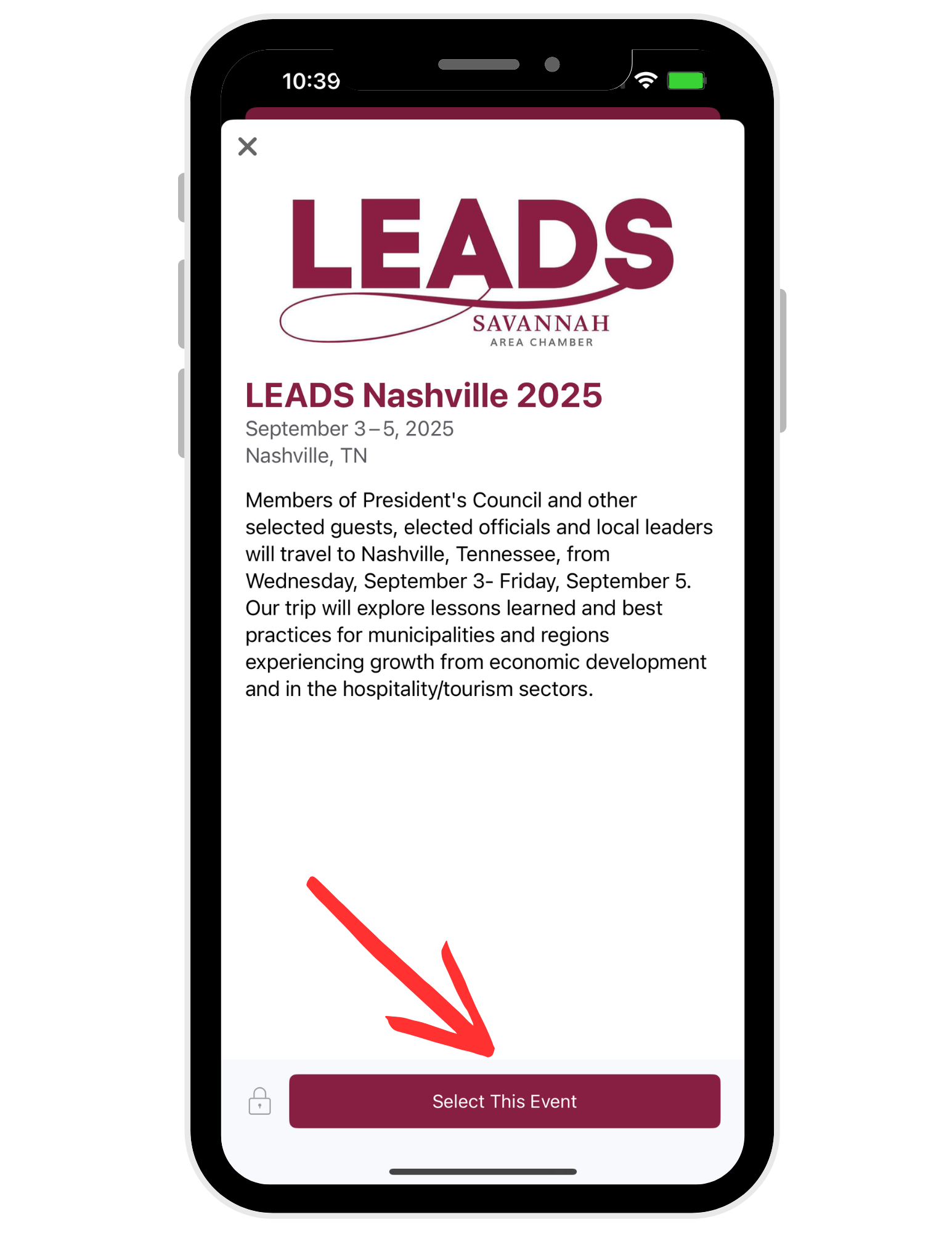
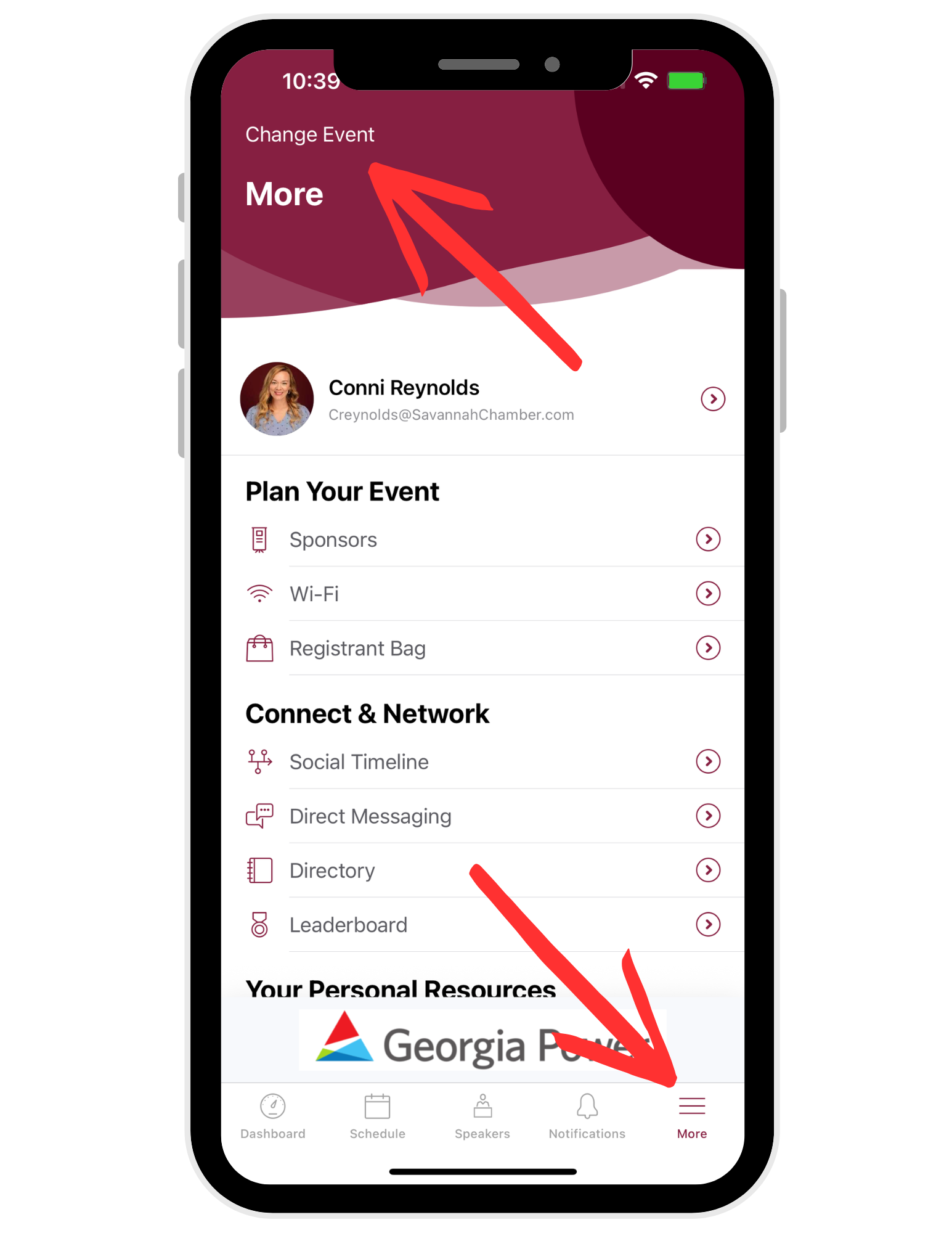
Once you log into the app again, you will need to change events to the Nashville Leads dashboard.
Click the ‘More’ menu in the bottom right of your mobile screen and select ‘Change Event’.
The LEADS Nashville 2025 trip should populate automatically. Select this and you are all set!
If you have errors logging in or connecting to the Nashville trip, please email Sam Wilkins directly.